
Screen warmth and dimming for macOS
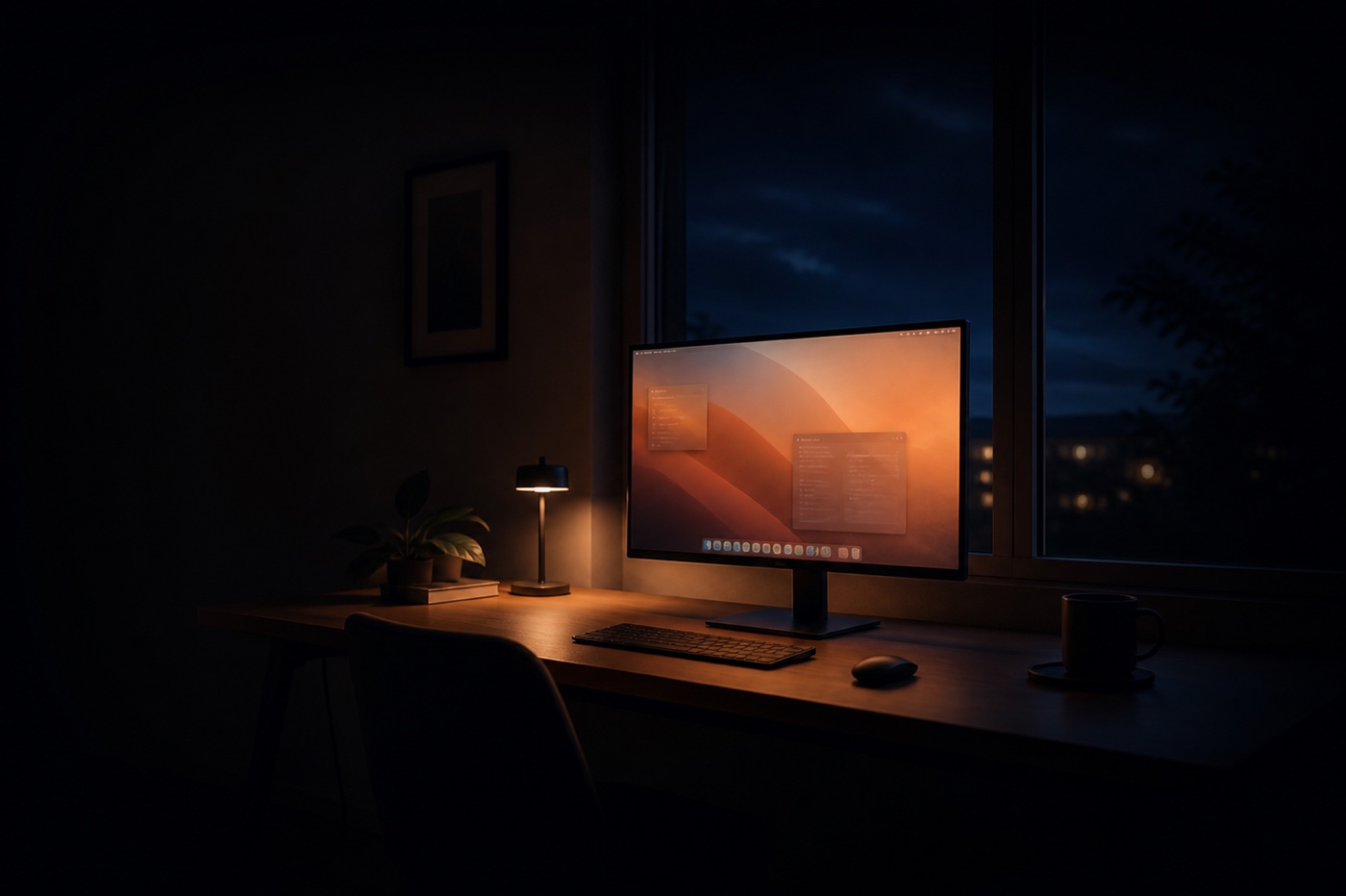
Automatically warm and dim your Mac screen in the evening.
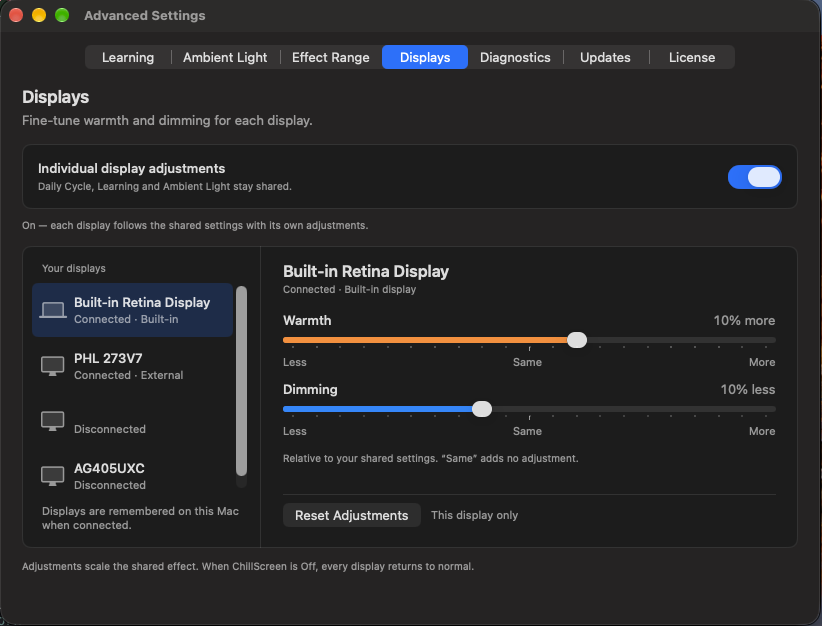
ChillScreen gradually adjusts your display the way you choose. It can learn automatically from your adjustments, visualize circadian rhythms, work with AI agents and Siri, and give you detailed control over every setting.
14-day free trial
Try every feature free for 14 days.
No card required.
After the trial: €9.99 once for one Mac · No subscription
Launch offer −50% for the first 100 licensesCode LAUNCH26 is applied automatically.macOS 14 Sonoma or later · Apple silicon and Intel
A Mac App Store edition is also coming. It uses the same Daily Cycle core, with a few distribution-specific differences. Compare editions.
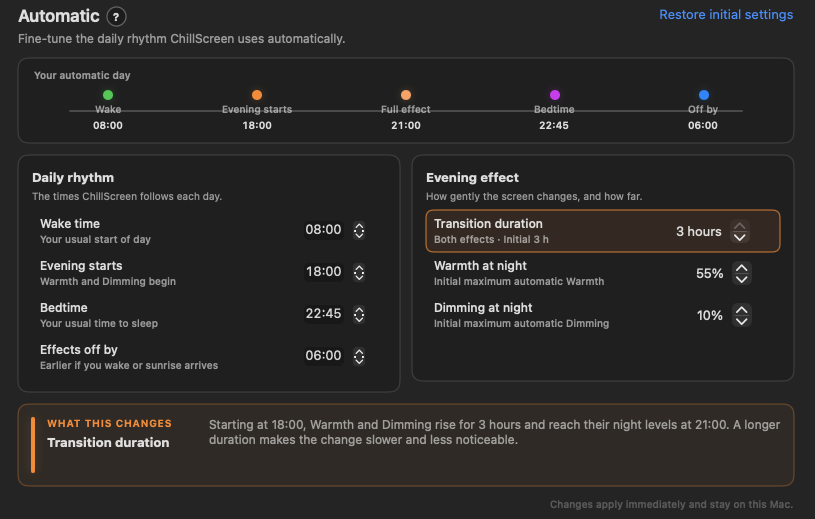
See and adjust the Daily Cycle.
Set your wake time, when evening begins, and bedtime. Then adjust how quickly Warmth and Dimming reach their night levels.
Drag the timeline markers and curve handles to explore. This browser preview changes only the illustration; it does not alter your display.
What ChillScreen can do
Choose what changes and when.
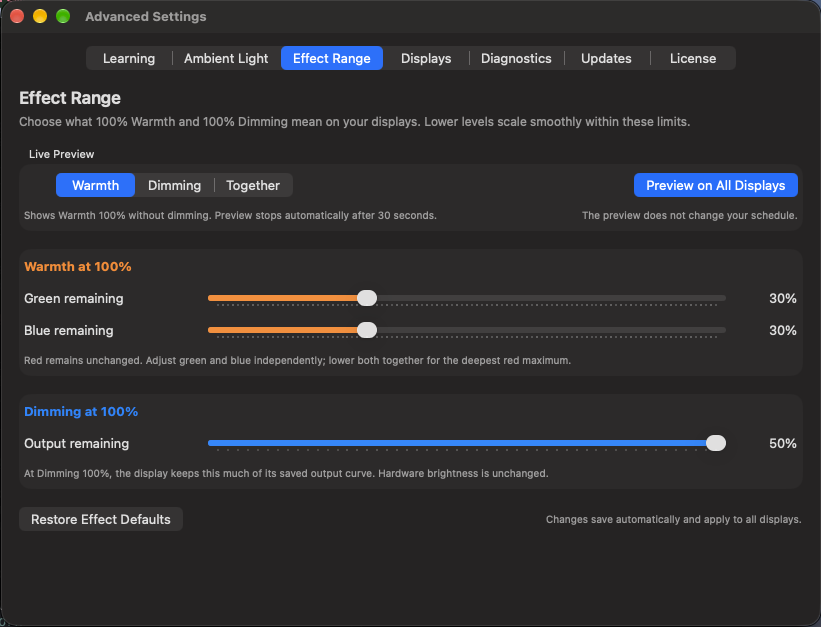
Each part solves a specific problem. Use only the controls you need, or open the linked guide section for the exact settings.
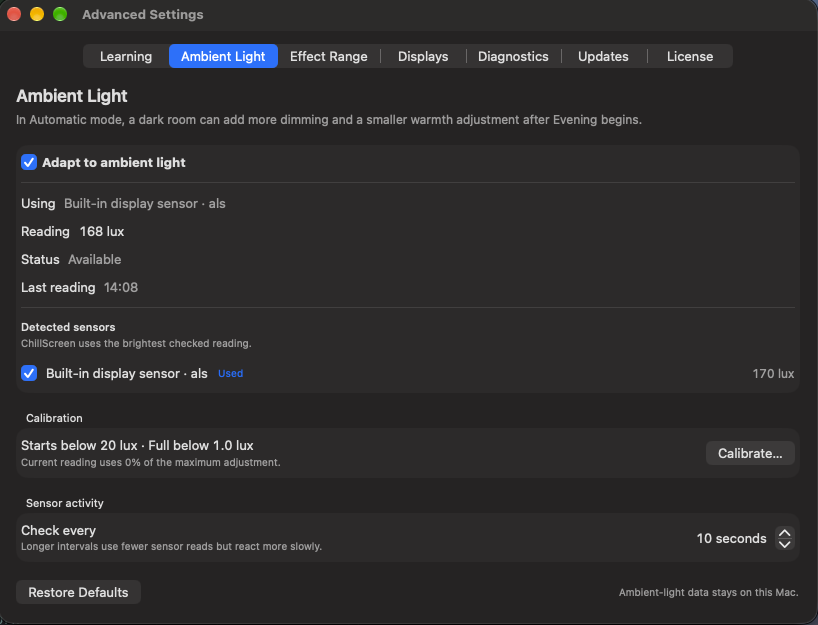
Ambient Light
Direct edition: add extra warmth and dimming in dark rooms using thresholds you calibrate.
Guide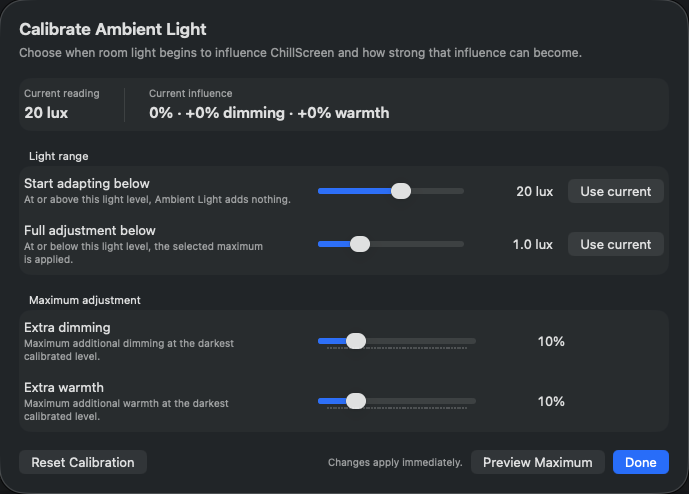
Ambient Light calibration
Direct edition: choose which room-light levels start and reach the maximum extra adjustment.
Guide
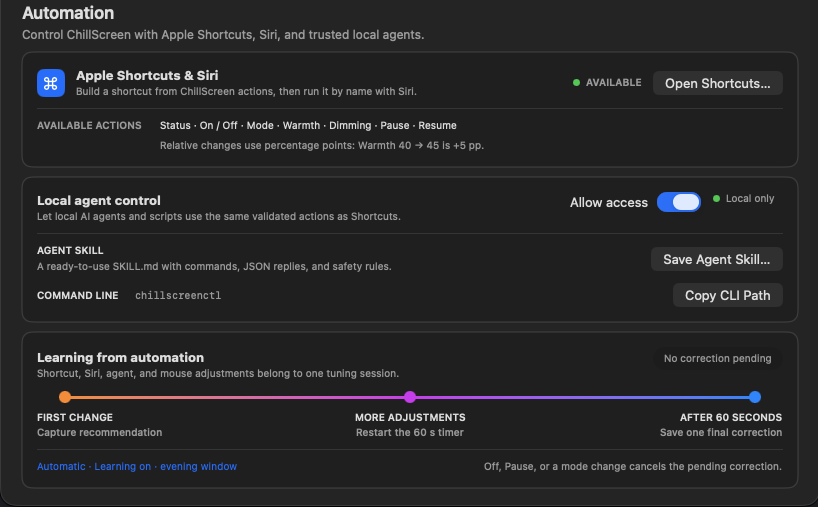
Shortcuts, Siri, and AI agents
Use Shortcuts and Siri in both editions, or local AI-agent commands in the Direct edition.
Guide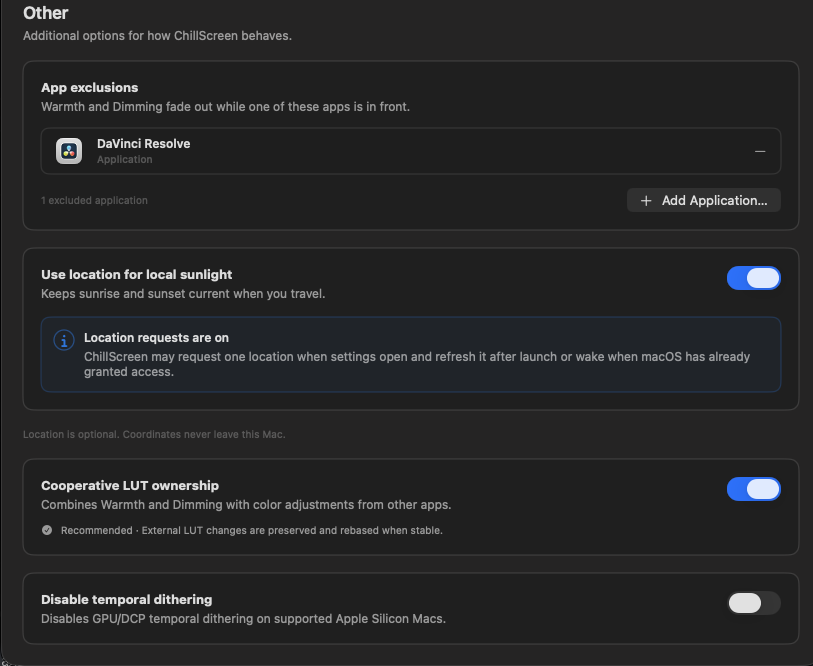
App exclusions and LUT
Exclude selected apps and work with other colour tools; the Direct edition also controls temporal dithering.
Guide